![Logo-Apr-26-2023-11-46-34-7947-AM.png]](https://hello.secfi.com/hs-fs/hubfs/Logo-Apr-26-2023-11-46-34-7947-AM.png?height=40&name=Logo-Apr-26-2023-11-46-34-7947-AM.png)
To download your equity verification, log into Carta and click on the corresponding option grant / share certificate (see example below):
1. From your Carta portfolio, click the “Holdings” tab from the top navigation:

2. Once on the “Holdings” page, look under the “Options grant” column and note the type of option you have:

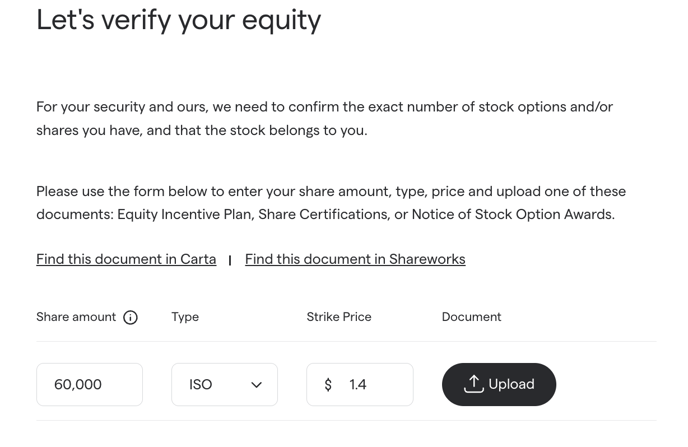
3. Select the relevant grant and click Print at the bottom left corner and save as a .pdf.
-png.png?width=194&height=414&name=image%20(46)-png.png)
4. Upload the pdf of the grant in the equity verification form.